Everything the counter needs. Nothing it doesn't.
Sales, repairs, stock, EFTPOS, quotes, invoices, messages and the day-end, built from more than ten years behind a real shop counter.
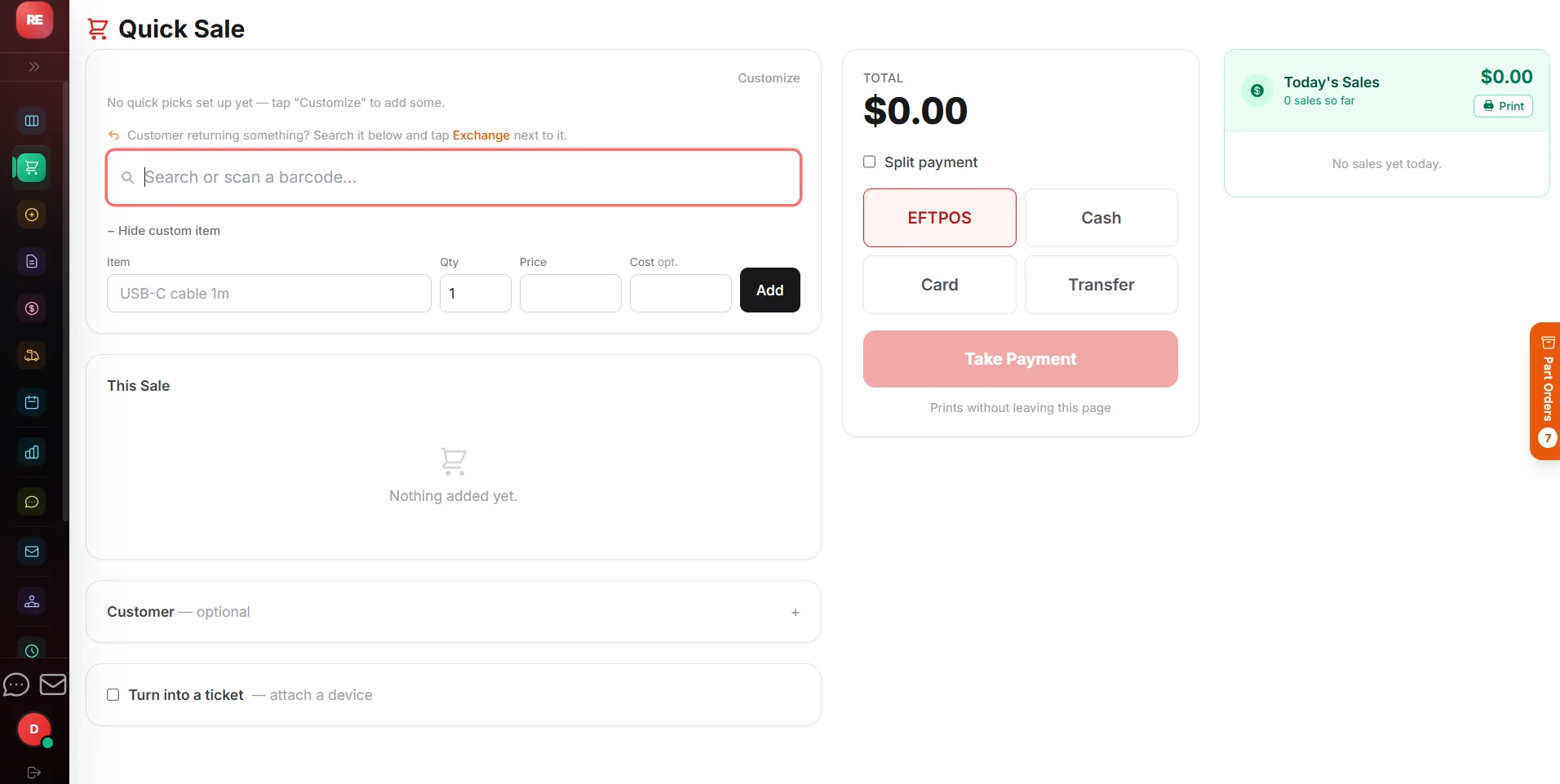
Ring it up the way you actually sell.
Big touch buttons, barcode scanning or a quick search. Products, parts, services and repairs that are already booked in all go through the same till.
- Cash, EFTPOS or account, with change worked out for you
- Custom items, refunds, reprints and no-sale one tap away
- Loyalty discount that applies itself every Nth visit
- Receipts printed or emailed, with your warranty and returns policy on them
Book it in. Fix it. Hand it back.
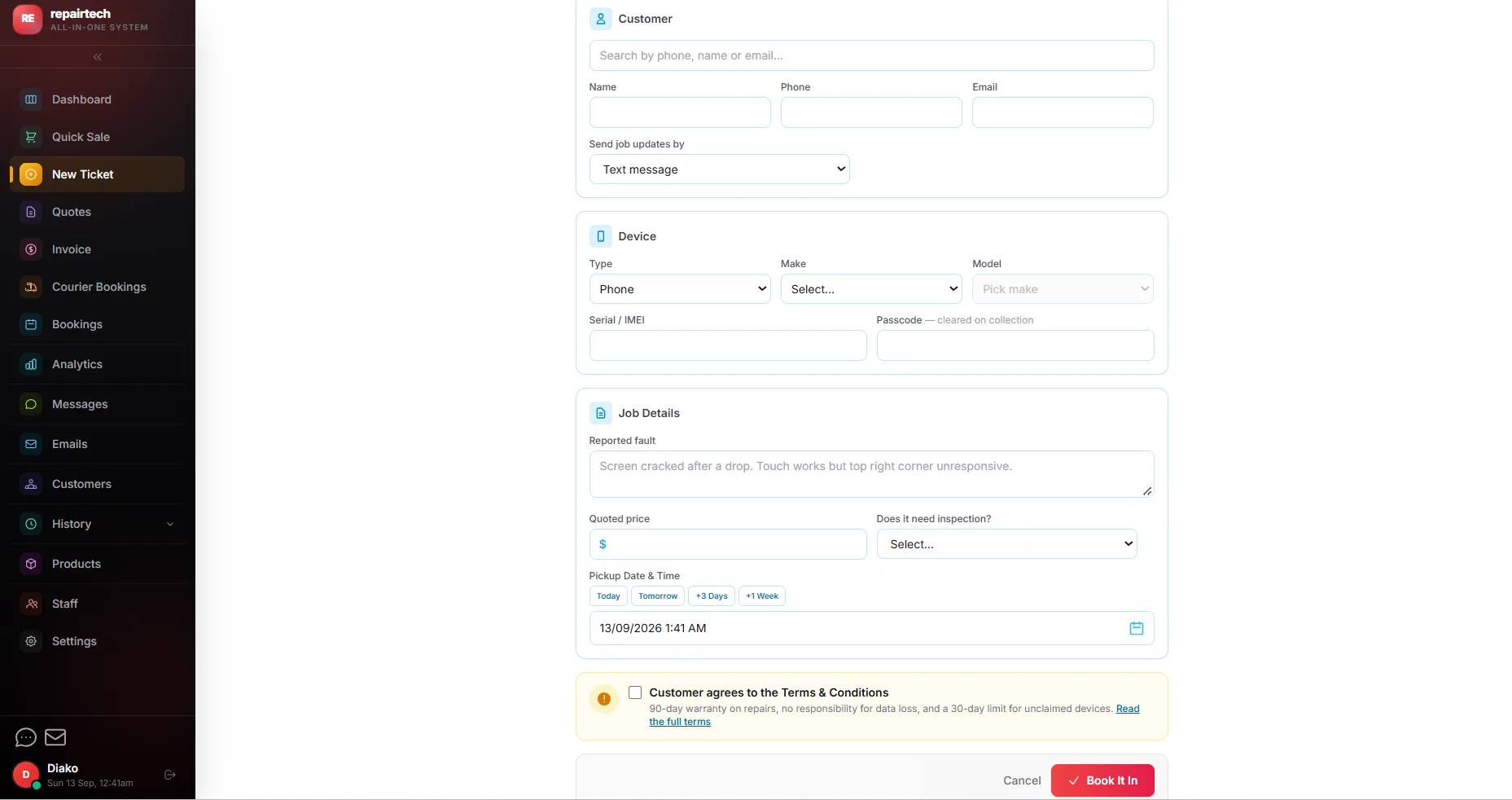
Look up the customer by phone, pick the device type, make and model, and note the fault. The job lands on a live board and moves through each stage until it is collected and paid.
- Quotes for approval: only start once the customer says yes
- Automatic texts and emails as the status changes
- "Ready for collection" messages include today's opening hours
- Warranty tracking on every job, built in
Close the day in one go.
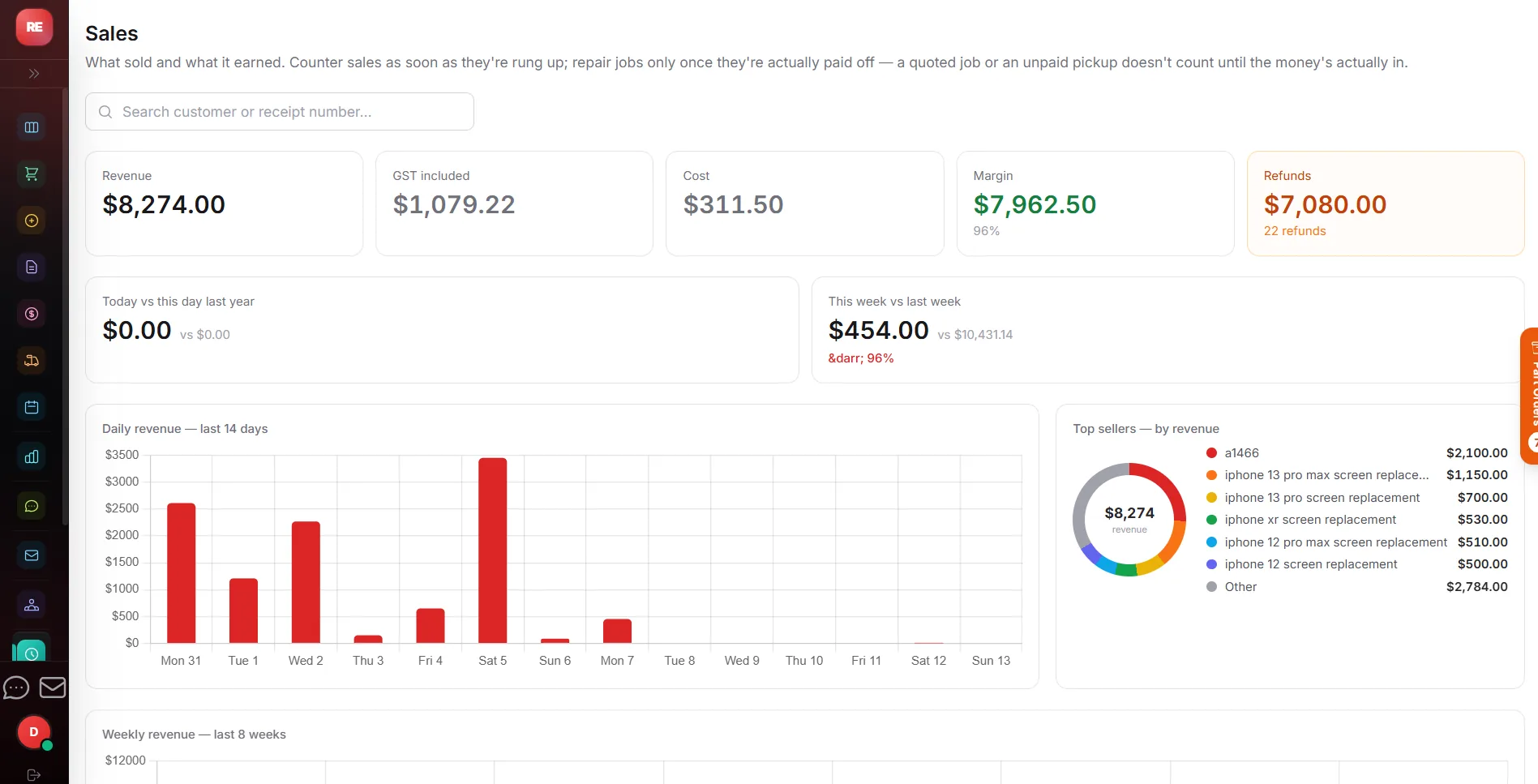
Count the float in the morning and the drawer at night. CoreHub works out what should be there, matches cash, EFTPOS and refunds, and keeps the history for your accountant.
- Cash float and cash-up for each store
- Takings, best sellers and sales against repairs
- GST figures kept in order for your returns
- Every sale searchable, downloadable and exportable
From the counter to collected.
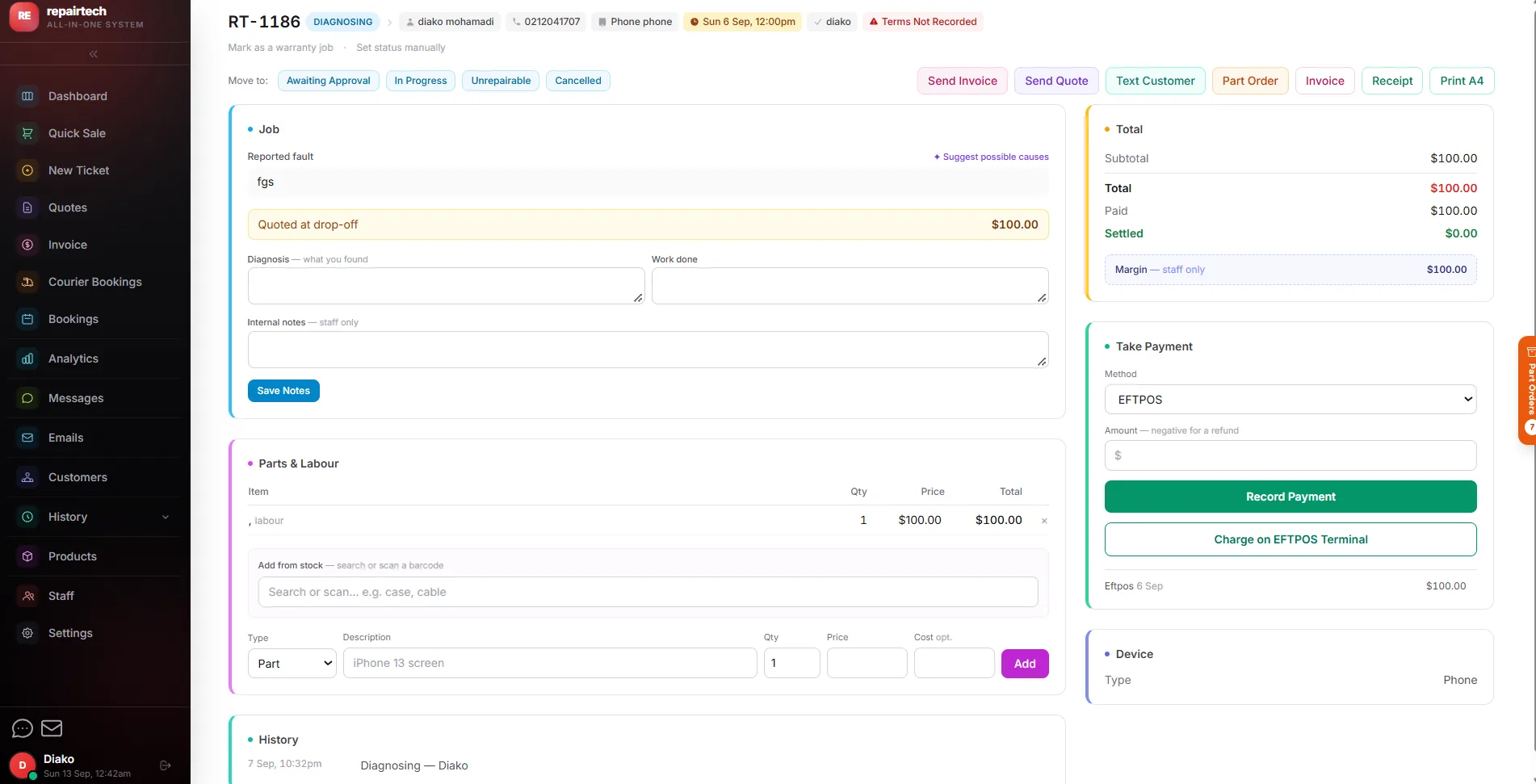
The same clear stages whether it's a cracked screen or a motherboard repair. Each change can send the customer a message by itself.
Booked in
Diagnosing
Awaiting approval
Awaiting parts
In progress
Ready for collection
Take the card from the sale screen.
Card payments run from the till on supported NZ EFTPOS terminals. The amount goes across by itself, so there is no typing it twice and nothing to reconcile by hand.
- Card takings matched at the end of the day
- Deposits by card on quotes, when you turn on online payments
- Cash out recorded properly when a customer takes cash with their card
Send a quote. Get a yes. Get paid.
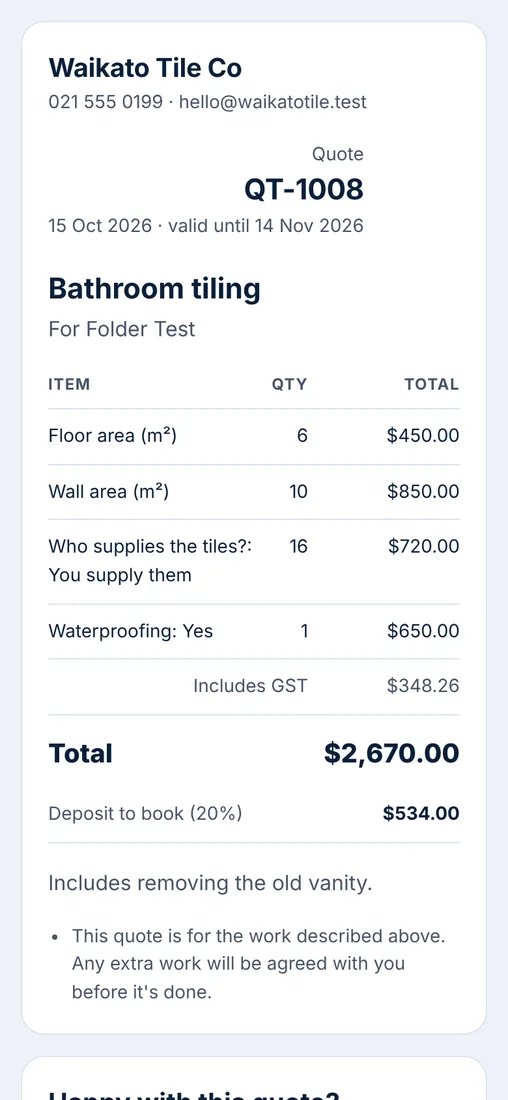
GST-correct quotes and tax invoices as tidy PDFs. Send a quote as a private link: the customer reads it on their phone, accepts it by typing their name, and it becomes the invoice.
- Job photos from you on site, or from the customer when they ask for a quote
- Deposits paid by card from the quote link
- Statements for customers on account
The things you'd otherwise need another app for.
Stock and parts
Cost and sell prices, SKUs and categories. Parts fitted to a job stay reserved until the job closes, and low-stock warnings show before you run out.
Customers
Look anyone up by phone number. Every sale, job, quote and invoice for that person is in one place.
Reviews
Send a customer a private link to leave a review. You approve it before it shows on your website.
Online orders
Food shops can take pick-up orders online from the same product list as the till. Orders land on the till ready to make.
Tables
Eat-in orders get a table. Set up your own floor plan and see which orders are still waiting to go out.
Mail-in repairs
Customers can book a repair online and send the device in. It becomes a ticket once it arrives.
More than one shop
Each location keeps its own stock and sales, with one view across all of them (each extra location is $25 a month).
Staff accounts
Every person signs in as themselves, so you know who did what. Only the owner can add or remove staff.
Settings, not code
Trading name, GST number, hours, warranty, invoice footer and loyalty discount live on one page you can change yourself.
Computer, iPad or phone.
CoreHub runs in the web browser, so there is nothing to install. Use a laptop at the counter, an iPad on the bench and your phone on the go. The buttons are big enough for fingers and every screen fits a tablet.
Touch screens
Big buttons that fit on one screen.
Phones and tablets
Every screen works on a phone and an iPad.
Receipt printers
Print counter receipts with your own terms.
EFTPOS terminals
Supported NZ terminals, checked before you start.
See it running on a real counter.
Click around the live demo shop, set up your own in minutes, or book a walkthrough and we will show you the parts that matter to you.